

Frontend mistakes SEO issues are one of the most common reasons websites struggle with website rankings despite having good content. Frontend SEO mistakes such as poor HTML structure, slow page speed, heavy JavaScript usage, and weak mobile optimization directly affect how search engines crawl, index, and evaluate pages. Since SEO frontend development controls layout, performance, and accessibility, even small frontend issues can create serious website ranking issues over time if they are not identified and corrected early.
Many websites appear visually polished, yet underlying code issues quietly damage search visibility. Search engines evaluate structure, performance, accessibility, and clarity rather than surface design alone. Poorly written frontend code can block crawlers, slow page rendering, blur semantic meaning, and weaken mobile usability, all of which gradually reduce website rankings.
Modern SEO is no longer separate from frontend development. Semantic HTML for SEO, a proper heading hierarchy, and SEO-friendly HTML help search engines understand page structure. Strong page speed optimization, improved frontend performance SEO, and compliance with Core Web Vitals support efficient crawling and indexing. Along with mobile optimization SEO and responsive design, clean frontend code builds stable, long-term ranking signals.
Detailed Analysis of Common Frontend Mistakes
a. Improper Use of HTML Tags
Semantic HTML provides meaning to content. Search engines rely on proper tags like <header>, <nav>, <main>, <section>, and <footer> to understand page hierarchy. When developers rely heavily on <div> elements, search engines lose context, which weakens content signals and internal structure.
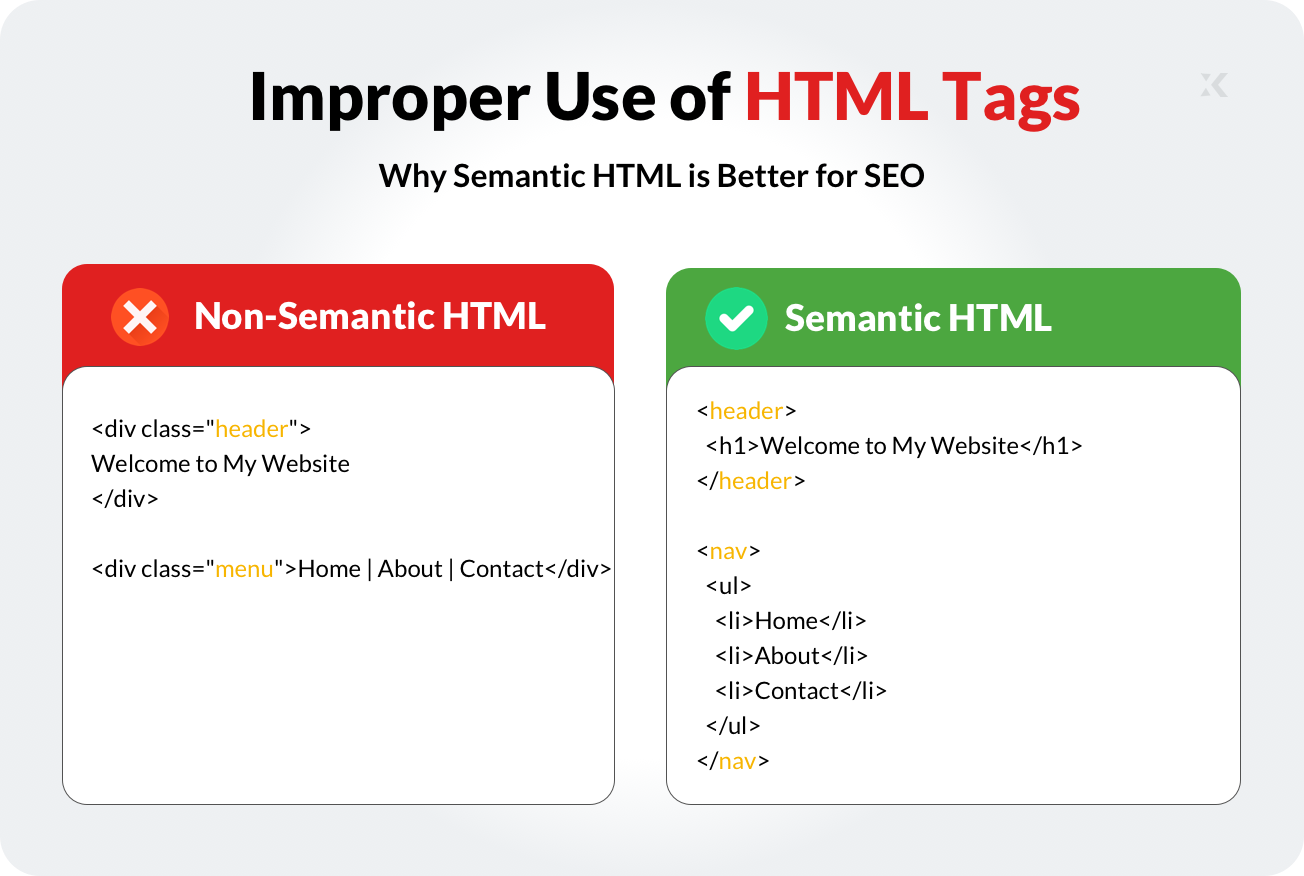
Improper tag usage often comes from auto-generated code or visual builders exporting layout-based markup. This creates flat structures with no clear content roles, affecting indexing accuracy and featured snippet eligibility.
Wrong example (non-semantic):
<div class="header">Welcome to My Website</div>
<div class="menu">Home | About | Contact</div>
Right example (semantic):
<header>
  <h1>Welcome to My Website</h1>
</header>
<nav>
  <ul>
    <li>Home</li>
    <li>About</li>
    <li>Contact</li>
  </ul>
</nav>
Why this hurts SEO
- Search engines cannot identify page sections clearly
- Headings lose hierarchy signals
- Screen readers struggle with structure
Best practices
- Use HTML5 semantic elements consistently
- Maintain proper heading order (H1 → H2 → H3)
- Avoid layout-only markup for meaningful content
XHTMLTEAM manually rewrites exported layouts into clean, semantic HTML that search engines interpret accurately.
b. Missing Alt Attributes for Images
Images contribute to SEO through accessibility and image search visibility. Alt attributes describe image content for screen readers and search engines. When alt text is missing, search engines receive no context, and accessibility standards are weakened.

Many design-to-code conversions export <img> tags without alt attributes or use empty placeholders. This reduces image indexing potential and weakens topical relevance signals across pages.
Wrong example:
<img src="team-photo.jpg">
Right example:
<img src="team-photo.jpg" alt="Frontend development team working on HTML layout">
Why this hurts SEO
- Images are excluded from image search traffic
- Accessibility scoring decreases
- Page relevance signals weaken
Best practices
- Write descriptive, human-readable alt text
- Avoid keyword stuffing
- Match alt descriptions to surrounding content
XHTMLTEAM ensures all images include SEO-friendly alt attributes aligned with page intent.
c. Unoptimized Page Load Speed
Page speed affects crawl efficiency, user engagement, and ranking signals. Slow websites increase bounce rates and reduce crawl budgets. Common frontend causes include uncompressed images, render-blocking scripts, and unused CSS.
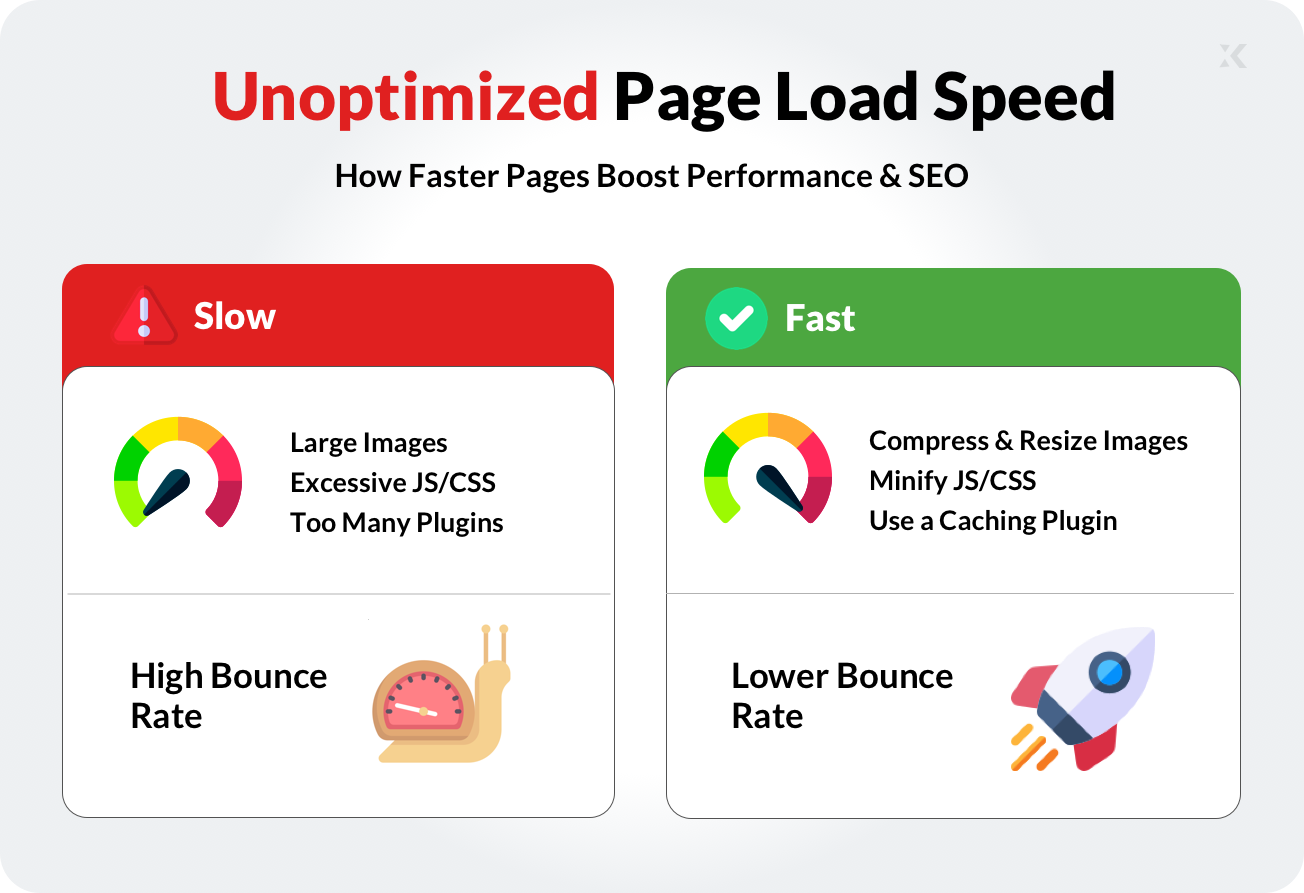
Auto-generated frontend code often loads everything at once without prioritization. Search engines interpret this as poor performance quality, which reduces ranking trust over time.
Unoptimized example:
<script src="script.js"></script>
<img src="large-image.jpg">
Optimized example:
<script src="script.js" async></script>
<link rel="preload" href="hero.jpg" as="image">
<img src="hero.jpg" loading="lazy" alt="Homepage hero image">
Why this hurts SEO
- Higher time to first render
- Lower Core Web Vitals scores
- Reduced crawl efficiency
Best practices
- Compress images and assets
- Use async and defer for scripts
- Remove unused CSS and JS
XHTMLTEAM hand-optimizes frontend code to meet real-world performance benchmarks, not just visual output.
d. Excessive Use of JavaScript Frameworks
JavaScript frameworks power modern interfaces, but excessive reliance can limit crawlability. When content renders only after JavaScript execution, search engines may delay or skip indexing important sections.
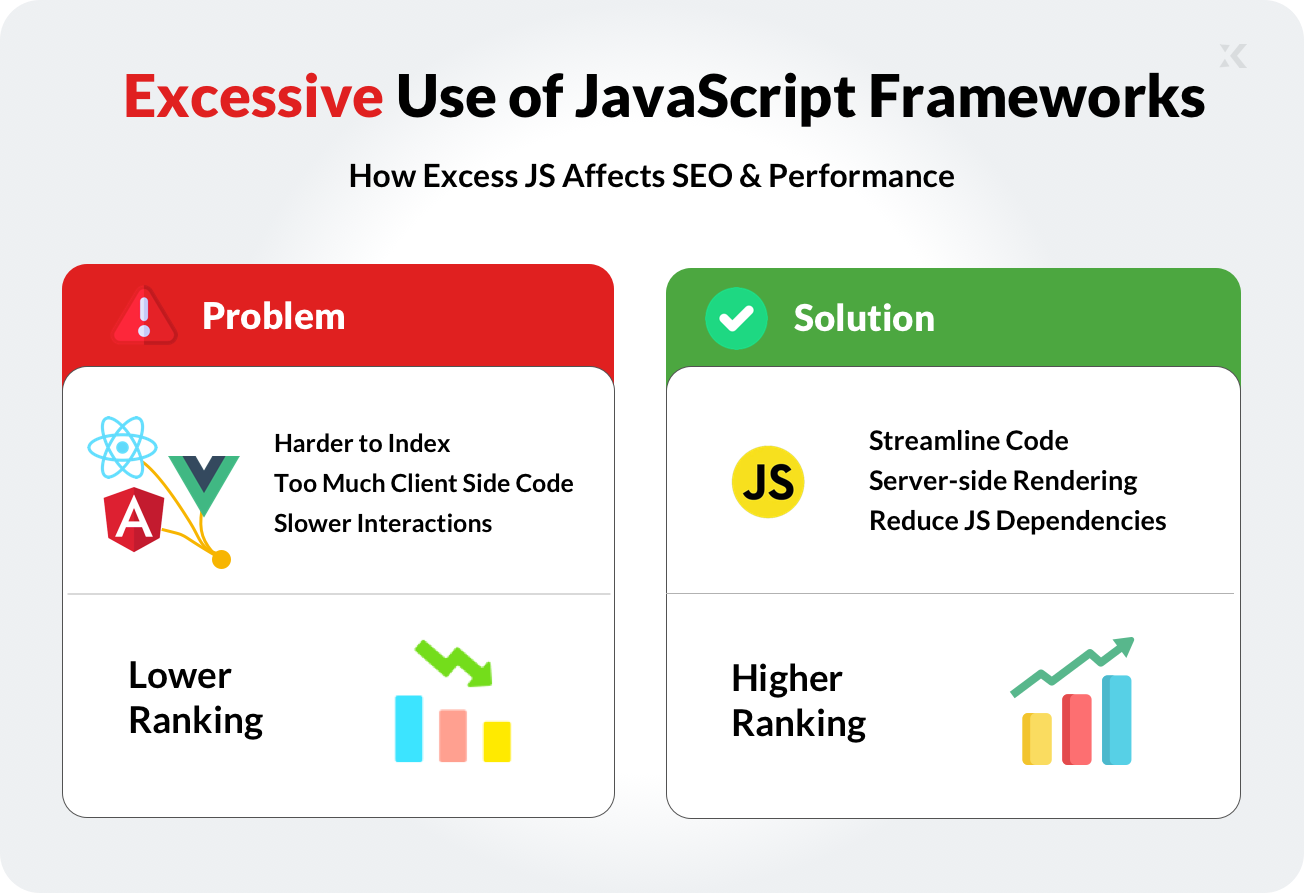
Single-page applications often load blank HTML shells initially. If rendering fails or delays, search engines see empty pages. This leads to partial indexing and inconsistent rankings.
Problematic approach:
<div id="app"></div>
<script src="app.bundle.js"></script>
Improved approach (progressive enhancement):
<main>
  <h1>Frontend Development Services</h1>
  <p>Clean HTML for SEO-friendly websites.</p>
</main>
<script src="enhancements.js" defer></script>
Why this hurts SEO
- Delayed content indexing
- Reduced crawl reliability
- Inconsistent page previews
Best practices
- Render core content in HTML
- Enhance with JavaScript, not replace
- Use server-side rendering where needed
XHTMLTEAM prioritizes HTML-first rendering with optional JavaScript enhancements for SEO stability.
e. Poor Mobile Optimization
Search engines evaluate websites using mobile-first indexing. If a site performs poorly on mobile devices, rankings decline even if desktop versions look fine. Fixed widths, oversized elements, and touch-unfriendly layouts reduce usability.
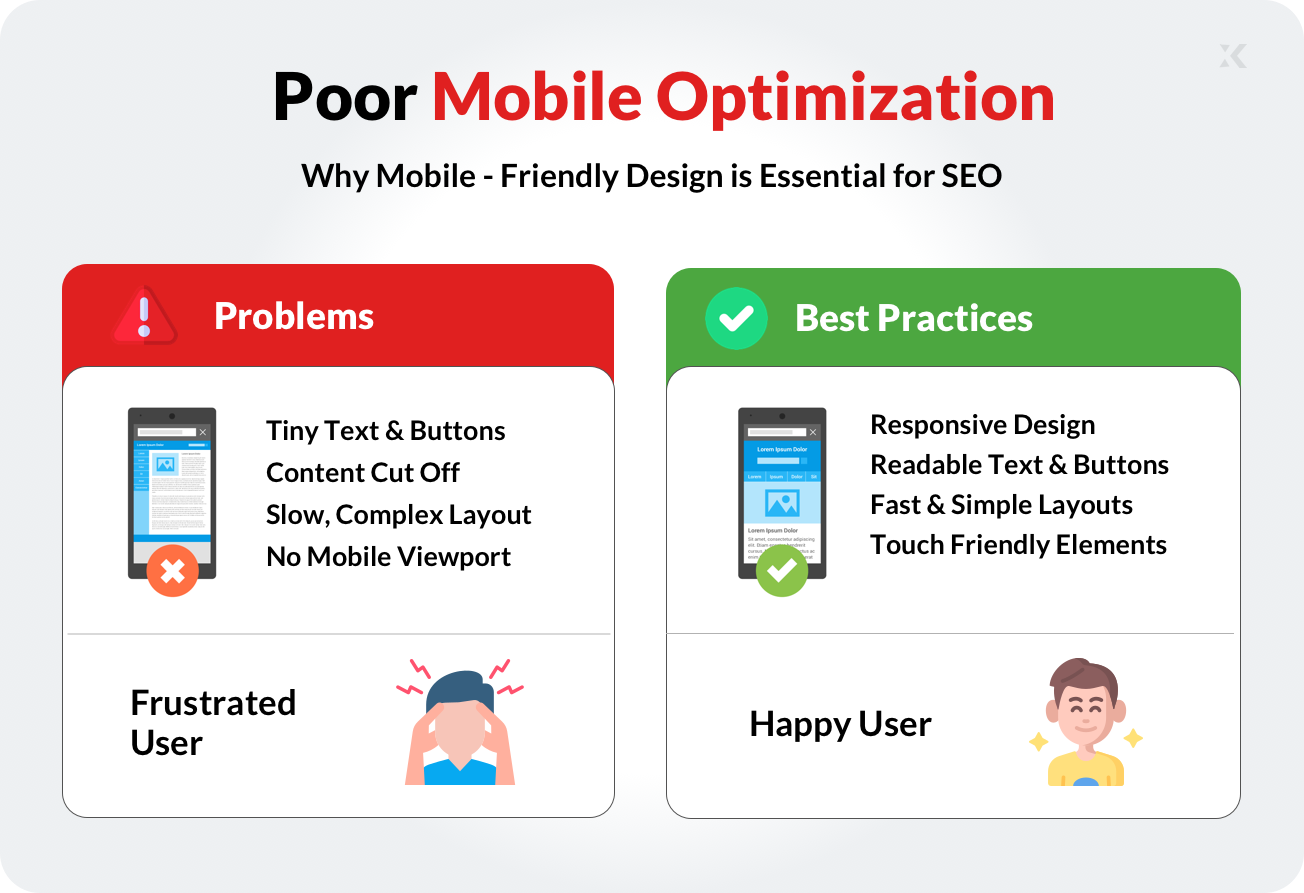
Design exports often use desktop-only dimensions that fail on smaller screens. Without responsive CSS, content becomes difficult to navigate and interact with.
Non-responsive example:
<div style="width: 800px;">Content</div>
Responsive example:
<div style="width: 100%; max-width: 800px;">Content</div>
Why this hurts SEO
- Poor mobile usability signals
- Lower engagement metrics
- Reduced mobile crawl quality
Best practices
- Use fluid layouts and media queries
- Optimize font sizes and tap targets
- Test across multiple screen sizes
XHTMLTEAM builds mobile-first layouts that adapt smoothly across devices and screen resolutions.
f. Incorrect Heading Hierarchy
Heading tags guide search engines through content structure. Skipping levels or using headings for styling confuses page hierarchy. This reduces keyword clarity and topic relevance.
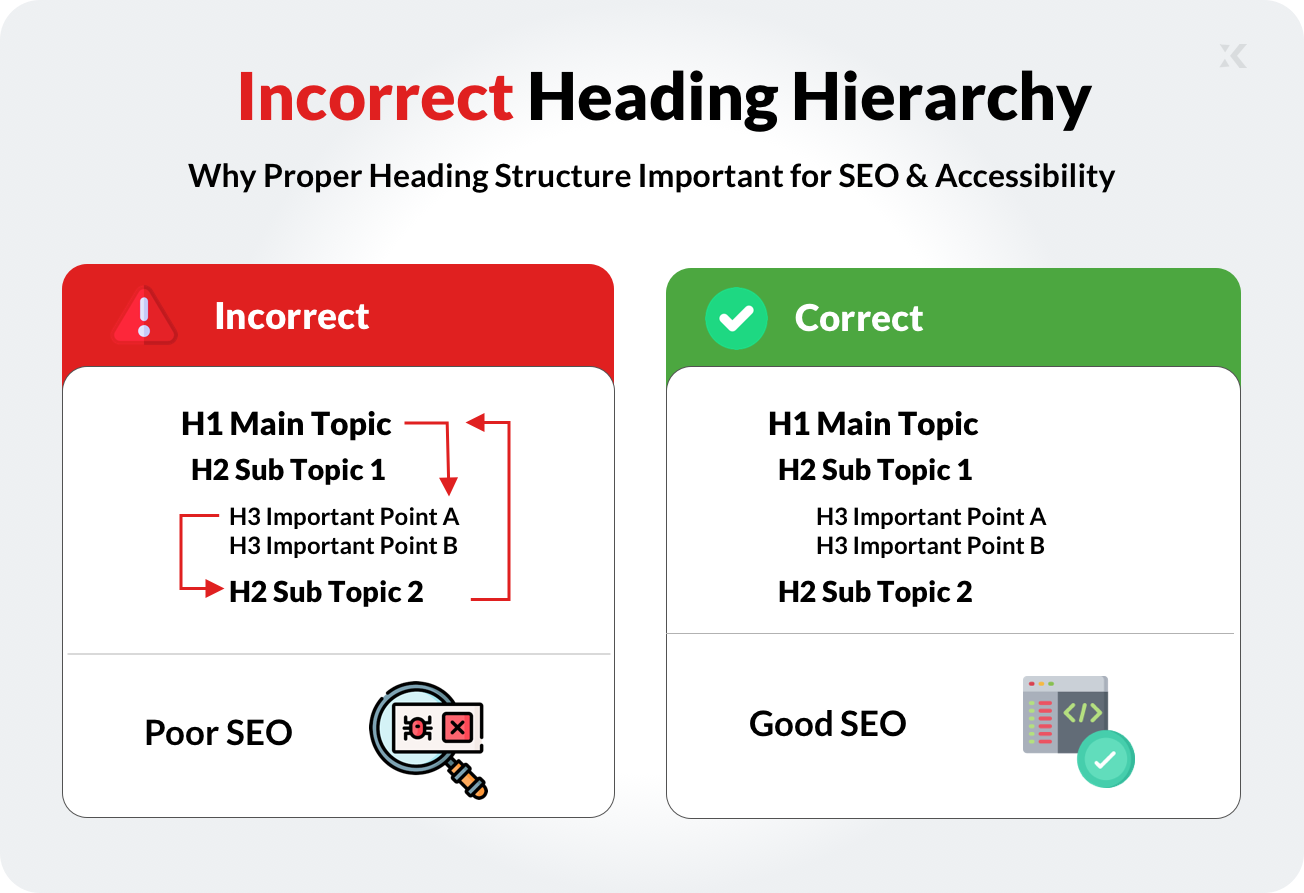
Many visual builders misuse heading tags for font sizing instead of structure. This creates multiple H1 tags or disordered sections.
Wrong example:
<h1>Services</h1>
<h4>Web Development</h4>
Right example:
<h1>Web Development Services</h1>
<h2>Frontend HTML Conversion</h2>
Best practices
- One H1 per page
- Logical heading progression
- Use CSS for styling, not headings
g. Bloated HTML and Unnecessary Markup
Auto-generated code often includes deep nesting, unused wrappers, and redundant elements. Bloated HTML increases DOM size and slows rendering. Search engines prefer clean, readable markup that loads efficiently.
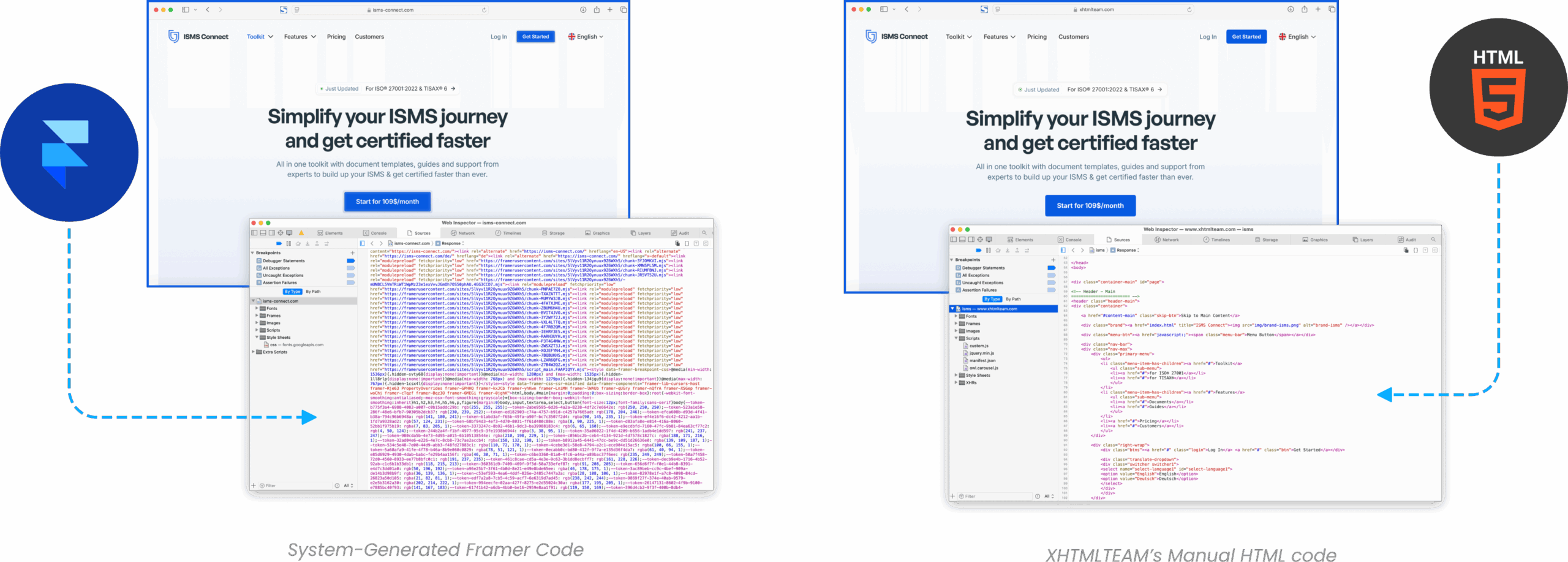
Problems
- Increased page weight
- Slower parsing
- Harder maintenance
Best practices
- Remove unused containers
- Flatten DOM structure
- Write human-readable HTML
XHTMLTEAM rewrites bloated exports into lean, maintainable code.
Conclusion
Frontend development directly influences SEO performance. Semantic HTML, optimized assets, mobile-friendly layouts, and crawl-friendly rendering help search engines understand and rank websites effectively. Many ranking issues originate from frontend mistakes hidden beneath visually appealing designs.
Regular frontend audits, manual code reviews, and performance testing help prevent long-term ranking losses. Clean, structured, and optimized frontend code supports sustainable SEO growth and better user experience across devices.
To monitor frontend SEO health, use tools such as Google Lighthouse and GTmetrix for performance insights and code diagnostics.
If your site uses auto-generated HTML from Figma, Framer, or builders, XHTMLTEAM provides professional, human-coded frontend services focused on SEO-friendly HTML, performance optimization, and long-term maintainability.
👉 Convert designs into clean, search-engine-readable code with XHTMLTEAM.
👉 Improve rankings through proper frontend structure, not shortcuts.