







Figma to Beaver Builder – Expert WordPress Conversion

XHTMLTEAM specializes in converting Figma designs to Beaver Builder websites, delivering responsive, user-friendly, and visually appealing sites. Our expertise ensures seamless integration and optimized performance for your online presence.

Why Choose XHTMLTEAM for Expert Beaver Builder WordPress Development?

XHTMLTEAM offers expert Beaver Builder WordPress development, delivering fast, responsive, and SEO-optimized websites. Our experienced team ensures pixel-perfect designs, smooth integrations, and custom functionality tailored to your needs. We prioritize quality, affordability, and on-time delivery for every project.

Pixel-Perfect Conversion

Pixel-Perfect Conversion

We ensure pixel-perfect conversion, maintaining the original design's look and feel. Simply provide the desktop layout, and we'll create the mobile designs. Our goal is to maintain the exact look and feel of your design across all devices.

User-Friendly Dashboard

User-Friendly Dashboard

Beaver Builder streamlines content editing with its intuitive dashboard tools, offering a user-friendly interface that makes managing your website’s content easy, efficient, and hassle-free. Perfect for seamless site updates.

Responsive Website

Responsive Design

We specialize in responsive coding, ensuring your site looks great on all devices, from tablets to mobile phones. We test your pages on real devices and modern browsers to guarantee optimal performance across various platforms.

Exceptional Quality Assurance

Top Quality Assurance

We conduct thorough real-device testing across modern devices and browsers to guarantee flawless functionality and optimal performance. This meticulous process ensures that your website operates seamlessly across various platforms, providing an exceptional user experience.

100% White Label

100% White Label Service

We are your remote team, providing white-label services exclusively. Acting on your behalf, we ensure our agency remains invisible throughout the project. Your branding and identity take center stage without any mention of our involvement.

SEO-Friendly Semantic Markup

SEO-Friendly Semantic Markup

We follow SEO standards in our HTML markup, enhancing your website's search engine visibility. This results in organic search traffic and top rankings on Google, ensuring optimal presence and visibility for your website.

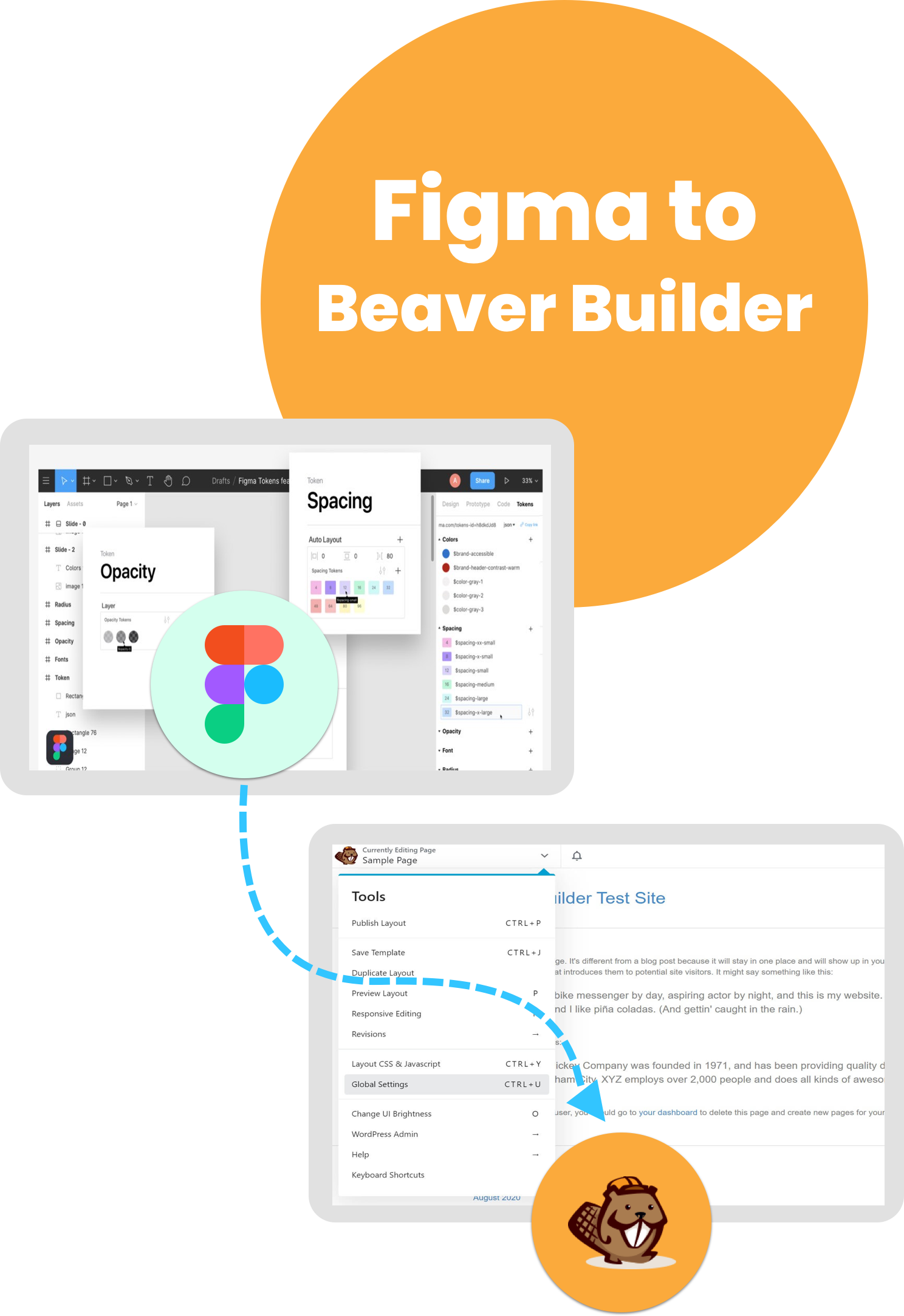
Figma to Beaver Builder Conversion

Figma to Beaver Builder conversion seamlessly transforms your Figma designs into dynamic, user-friendly WordPress websites. Our expert team ensures pixel-perfect implementation, responsive layouts, and optimized performance, allowing you to bring your creative visions to life without any coding hassles.

figma-to-beaver-builder

Fixed-Cost Figma to Beaver Builder: White Label WordPress Development Service

XHTMLTEAM provides a reliable fixed-cost service for converting Figma designs to Beaver Builder. This approach ensures clarity and predictability in pricing, making budgeting easier for our clients.

Our experienced team takes pride in transforming your Figma layouts into interactive Beaver Builder websites, ensuring every detail is captured. Quality and precision are our top priorities throughout the conversion process.

We emphasize open communication and timely delivery, allowing you to focus on your project while we handle the technical aspects. Order Figma to Beaver Builder conversion with XHTMLTEAM and get an outstanding WordPress website!

Beaver Builder: The Premier Drag-and-Drop WordPress Page Builder:

With Beaver Builder, you can effortlessly design stunning websites and landing pages without any coding experience. XHTMLTEAM specializes in Figma to Beaver Builder conversions, enhancing your site with advanced features like analytics, eCommerce solutions, and marketing automation.

Our services expand your design possibilities with a variety of modules, templates, and styles. This results in improved navigation and user engagement, ultimately boosting your website's conversions and customer satisfaction. Trust XHTMLTEAM for your Figma to Beaver Builder needs to achieve exceptional results.

XHTMLTEAM's Figma to Beaver Builder Features:

  • Seamless Conversion: Effortlessly transform Figma designs into Beaver Builder layouts.
  • Responsive Design: Ensure optimal viewing on all devices.
  • Custom CSS: Tailor styles for pixel-perfect results.
  • User-Friendly Interface: Easy management of site content.
  • Speed Optimization: Fast-loading websites for better user experience.
  • SEO-Friendly: Built with best practices for search engine visibility.
  • Ongoing Support: Dedicated assistance throughout the project.
figma-to-beaver-builder-conversion
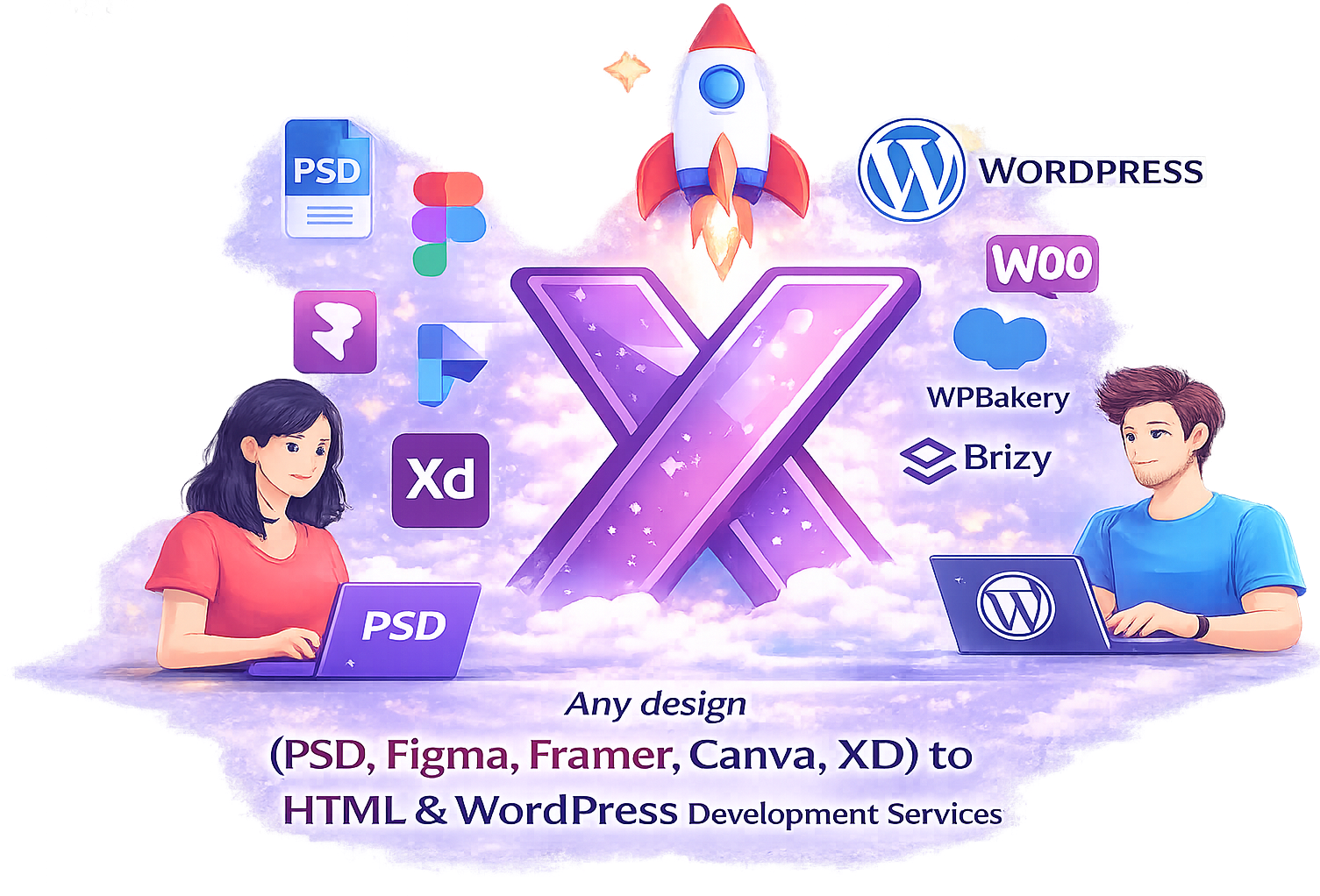
Any design to HTML Conversion

Professional Design to HTML & WordPress Development

Convert any design file into fully functional, responsive HTML websites with precision and performance in mind. XHTMLTEAM transforms modern design layouts into clean HTML5, structured CSS3, and lightweight front-end code using a blend of AI-assisted workflows and expert development practices.

Our team carefully translates every element from your design—text, images, typography, spacing, and layouts—into responsive, SEO-friendly web pages. We ensure pixel-perfect accuracy while optimizing code for speed, accessibility, and cross-browser compatibility. Whether it’s a simple landing page or a complex multi-page design, we deliver scalable HTML solutions built for real-world use.

From design to HTML conversion and seamless CMS integrations to modern front-end frameworks, we create high-quality, maintainable code that performs consistently across all devices and screen sizes.


Our Most Popular Design to Code Services

AI-assisted development combined with expert coding for clean, scalable, and production-ready websites.

Any Design to HTML Development

WordPress & CMS Development

Front-End Framework Development

  • PSD to React
  • Adobe XD to React
  • Figma to TailwindCSS
  • Figma to Bootstrap 5
  • Figma to SCSS / SASS
  • Figma to CSS3 Animation
  • Figma to CSS Grid & Flexbox
  • Figma to Utility-First CSS
  • Figma to Atomic CSS
  • Figma to Component-Based UI
  • Figma to Design Tokens CSS
  • Figma to Dark Mode UI
  • Figma to Responsive UI Frameworks
  • Figma to JavaScript UI
  • Figma to Interactive Front-End
  • Figma to React
  • Figma to Next.js
  • Figma to Vue.js
  • Figma to Nuxt.js
  • Figma to Single Page Application (SPA) UI
  • Design to Next.js
  • Design to Angular
  • Design to SCSS / Modular CSS
  • Design to JavaScript UI
  • Design to Alpine.js
  • Design to Progressive Web App (PWA)
  • Design to SaaS Dashboard UI
  • Design to Web App Interface

AI WordPress & Web Development

  • AI Design to HTML
  • PSD to AI-Assisted HTML
  • Adobe XD to AI Responsive HTML
  • Sketch to AI Tailwind CSS
  • Canva to AI Bootstrap
  • Framer to AI Email Template
  • Figma AI Design to HTML
  • Figma to AI-Assisted HTML
  • Figma to AI Responsive HTML
  • Figma to AI Tailwind CSS
  • Figma to AI Bootstrap
  • Figma to AI Email Template
  • Figma to AI Mailchimp Email
  • Figma to AI HubSpot Email
  • Figma to AI Klaviyo Email
  • Figma to AI HTML Landing Page
  • Figma to AI WordPress
  • Figma to AI Elementor
  • Figma to AI Divi
  • Figma to AI WPBakery
  • Figma to AI WooCommerce
  • Figma to AI Gutenberg Blocks
  • Figma to AI Website Development
  • Figma to AI Landing Page Development
  • Design to AI HTML
  • Design to AI Responsive Layout
  • Design to AI Tailwind CSS
  • Design to AI React Code
  • Design to AI Next.js
  • Design to AI WordPress
  • Design to AI Elementor
  • Design to AI WooCommerce
  • Design to AI Email Template
  • Design to AI Website Builder
  • Design to AI SaaS Dashboard

💡 We help clients convert design files like PSD, Figma, Canva, Sketch, and XD into clean, high-quality HTML code. Our developers manually code every project to ensure pixel-perfect accuracy, responsive layouts, and cross-browser compatibility. Unlike automated converters, we focus on performance, clean structure, and scalable code that’s easy to maintain. We also optimize every HTML build for speed, accessibility, and SEO, delivering production-ready websites that work seamlessly across all devices and platforms.

Testimonials and Success Stories

Client experiences showcasing how XHTMLTEAM’s expert web development services deliver success, growth, and lasting business transformation.

Good code, quick service, very professional. Very responsive to communications with clear questions and follow up.

A high-quality service provider that I have used for a variety of projects, both straightforward and complex: they delivered every time.

client david
David Flippone
President RallyApp

As a designer this service has saved me hours of time.

The quality is exceptional, and the service is unmatched anywhere else. I would highly recommend XHTMLTEAM.COM.

client tommy
Tommy Bailey
Collision Media

THANK YOU SO MUCH!!!!

I really appreciate it! I know working from mockups made by the client is difficult work. Thank you so much for doing this and for being so fast. You really saved me yet again!

stuart
Stuart Green
Level 9 Digital

I love working with XHTMLTEAM. We have been working for over 2 years and they keep getting better! Responsible, honest, trustworthy and reliable are just a few words to explain these guys!

fonz
Alphonso Morris
Lead Product Designer at Netflix

Thank you so much for this, we are very impressed with the work you've done, and shall be coming back to you again for this service.

Mark Payne
Mark Payne
Reading Room

Thanks very much, you guys do excellent work. I will be using you for all my projects moving forward.

Mike
Michael Dunlop
DropLab

Frequently Asked Questions

Find answers to common questions about XHTMLTEAM’s Figma to Beaver Builder services, including conversion process, responsiveness, and quality assurance.

No. While some plugins claim to "export" Figma to WordPress, they often result in messy, uneditable code and poor responsiveness. XHTMLTEAM provides a 100% manual conversion. We rebuild your Figma design from scratch using Beaver Builder modules and custom CSS, ensuring a clean, production-ready site that is easy for you to manage.

Yes. We treat your Figma file as a technical blueprint. Our developers use the exact properties from the Figma Inspect panel—including hex codes, line heights, letter spacing, and shadow values—to ensure the live Beaver Builder site is a 1:1 replica of your original design.

Figma’s Auto Layout logic is the foundation of our builds. We translate these structures into Beaver Builder’s responsive column and row settings or custom CSS Flexbox/Grid where needed. This ensures your site isn't just a visual copy, but a functionally fluid layout that adapts to all screen sizes.

Absolutely. We take your Figma transitions and hover effects and bring them to life using Beaver Builder’s built-in animation engine or lightweight custom JavaScript. Whether it's a sliding menu, a parallax effect, or a complex scroll trigger, we ensure the motion is smooth and performance-optimized.

Yes. If your Figma design includes custom-designed headers, footers, or templates for "Single Post" or "Archive" pages, we utilize Beaver Themer. This allows us to apply your custom Figma design dynamically across your entire WordPress site, ensuring total brand consistency.

We don't just build page-by-page. We first map your Figma Design System (color palettes and typography scales) to Beaver Builder’s Global Settings. This allows you to make site-wide updates to your brand colors or fonts in a single location, just as you would in Figma.

One of our primary goals is client empowerment. We build using a modular approach. Once we deliver the site, you can use the intuitive Beaver Builder drag-and-drop editor to swap images, update text, and add new sections without ever needing to touch a line of code.

Yes. We frequently handle Figma to WooCommerce conversions using Beaver Builder. We ensure that your custom-designed product pages, carts, and checkout flows match your Figma artboards perfectly while maintaining the full security and backend power of WooCommerce.

Start Your Project Today

Share your requirements and get a detailed proposal within 2–3 hours. Fast turnaround, clean code, and high-quality results — guaranteed.

Describe what you need — the more detail you share, the more accurate your proposal will be.

Proposal Request Sent!

Thank you! We've received your project details and sent a confirmation to your email. Our team will have a proposal ready within 2–3 hours.

Have questions in the meantime? Email us at support@xhtmlteam.com

!

Something went wrong

We couldn't send your request. Please try again or email us directly at support@xhtmlteam.com.