Artificial Intelligence is transforming how modern websites are designed and developed. For WordPress developers, agencies, and business owners, AI design tools are no longer just experimental — they are productivity multipliers.
Today, the right AI design tools for WordPress sites can help you generate layouts, create UI concepts, improve UX structure, optimize content placement, and speed up the entire WordPress development workflow.
In this detailed, SEO-focused guide, we will explore the most popular AI design tools, their pricing (free and paid), real pros and cons, and how to convert AI-generated designs into high-performance WordPress websites using Divi, Elementor, or custom themes.
Why AI Design Tools Matter for WordPress Developers
The demand for faster project turnaround, mobile-first design, and SEO-optimized layouts is increasing every year. Clients expect modern UI, smooth performance, and conversion-focused design — all delivered quickly.
AI tools help WordPress developers:
- Generate website wireframes in minutes
- Create landing page layouts instantly
- Produce UI components faster
- Suggest typography and color systems
- Improve design consistency
- Speed up client approval cycles
However, AI does not replace professional WordPress development. Instead, it accelerates the design stage — while experts handle coding, optimization, and deployment.
Figma (With AI Plugins)
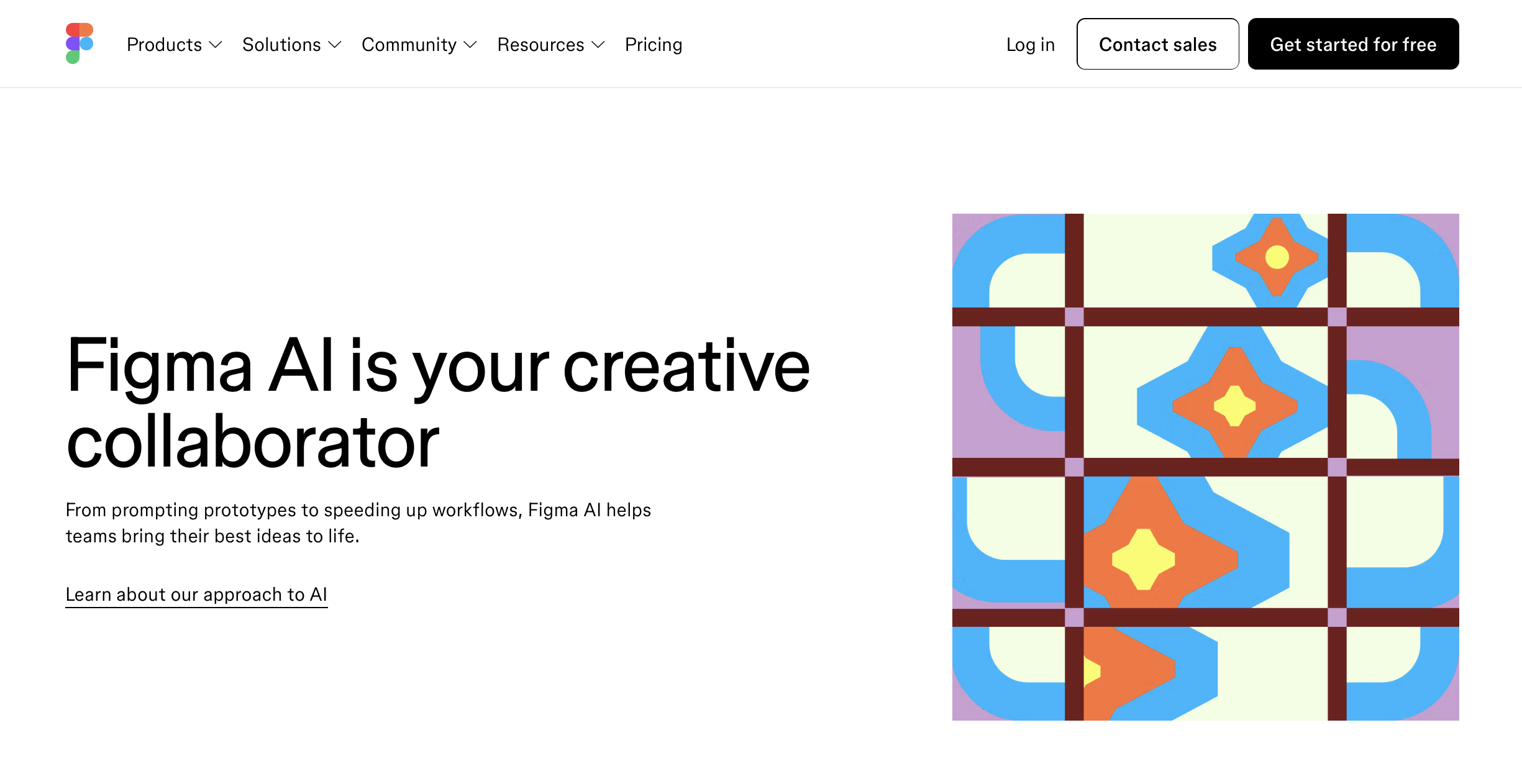
Figma remains the industry-standard UI/UX design tool used by WordPress designers worldwide. While Figma itself is not fully AI-native, its plugin ecosystem integrates powerful AI capabilities that streamline layout generation and content structuring.
Designers can use AI plugins to auto-generate sections, create reusable components, draft content blocks, and even generate structured website wireframes based on prompts.
Pricing:
$12/ month
Figma offers a generous free plan suitable for freelancers and small projects. Paid plans start at approximately $12 per month per editor, with advanced team features available at higher tiers.
Pros:
Figma provides strong developer handoff tools, making it ideal for converting designs into WordPress. Its collaborative features help agencies manage client approvals efficiently. The AI plugins significantly reduce repetitive design tasks.
Cons:
Most AI features rely on third-party plugins rather than native tools. Advanced team collaboration features require paid subscriptions.
For agencies handling Figma-to-WordPress projects, Figma remains one of the best AI-enhanced design tools available.
2. Adobe Firefly + XD
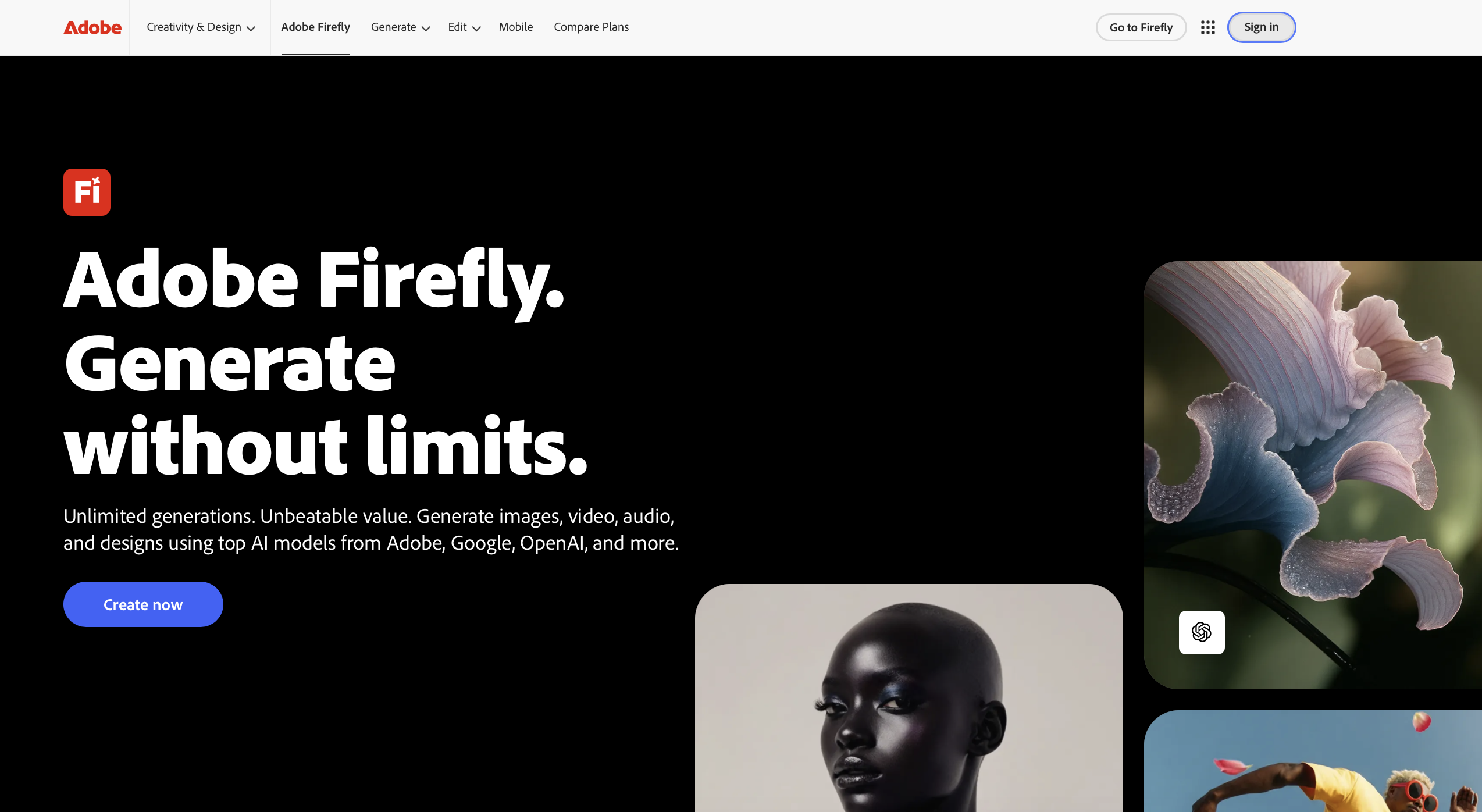
Adobe’s AI innovation through Firefly has strengthened its design ecosystem. Combined with Adobe XD, designers can generate creative assets, manipulate visuals using AI, and develop brand-aligned UI concepts.
Adobe Firefly enables generative image creation and advanced visual editing, while Adobe XD supports interactive web layout design. This combination is particularly powerful for premium WordPress projects requiring strong branding.
Pricing:
$20.99 / month
Adobe Firefly features are included in Creative Cloud plans. Pricing typically starts around $20.99 per month depending on the subscription package.
Pros:
Adobe tools offer powerful creative control and strong integration within the Adobe ecosystem. They are ideal for high-end website design projects that require custom graphics and brand consistency.
Cons:
The pricing is higher compared to other tools. Additionally, the learning curve can be steep for beginners transitioning from simpler design platforms.
3. Canva Magic Design
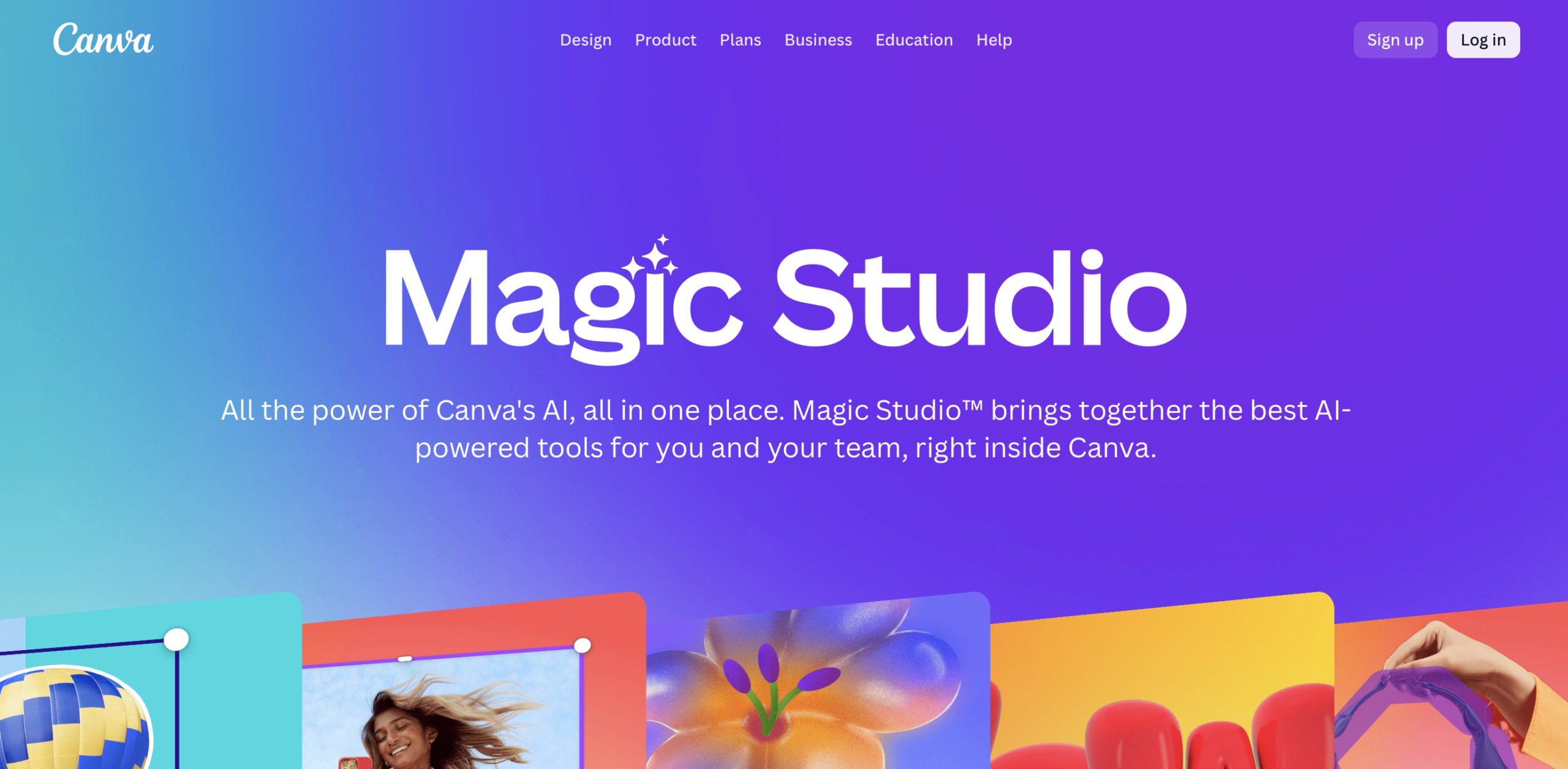
Canva has evolved beyond social graphics and now offers AI-driven layout generation through its Magic Design feature. It allows users to generate website-style mockups quickly based on simple prompts.
For WordPress freelancers handling small business clients, Canva is useful for generating quick design drafts and presenting concept ideas.
Pricing:
$12.99/ month
Canva offers a free version with basic AI functionality. Canva Pro is available at around $12.99 per month and unlocks advanced features.
Pros:
The interface is beginner-friendly and ideal for rapid prototyping. It’s affordable and efficient for quick landing page concepts.
Cons:
Canva lacks the advanced UI precision required for complex WordPress development projects. Designs usually require significant refinement before development.
4. Framer AI
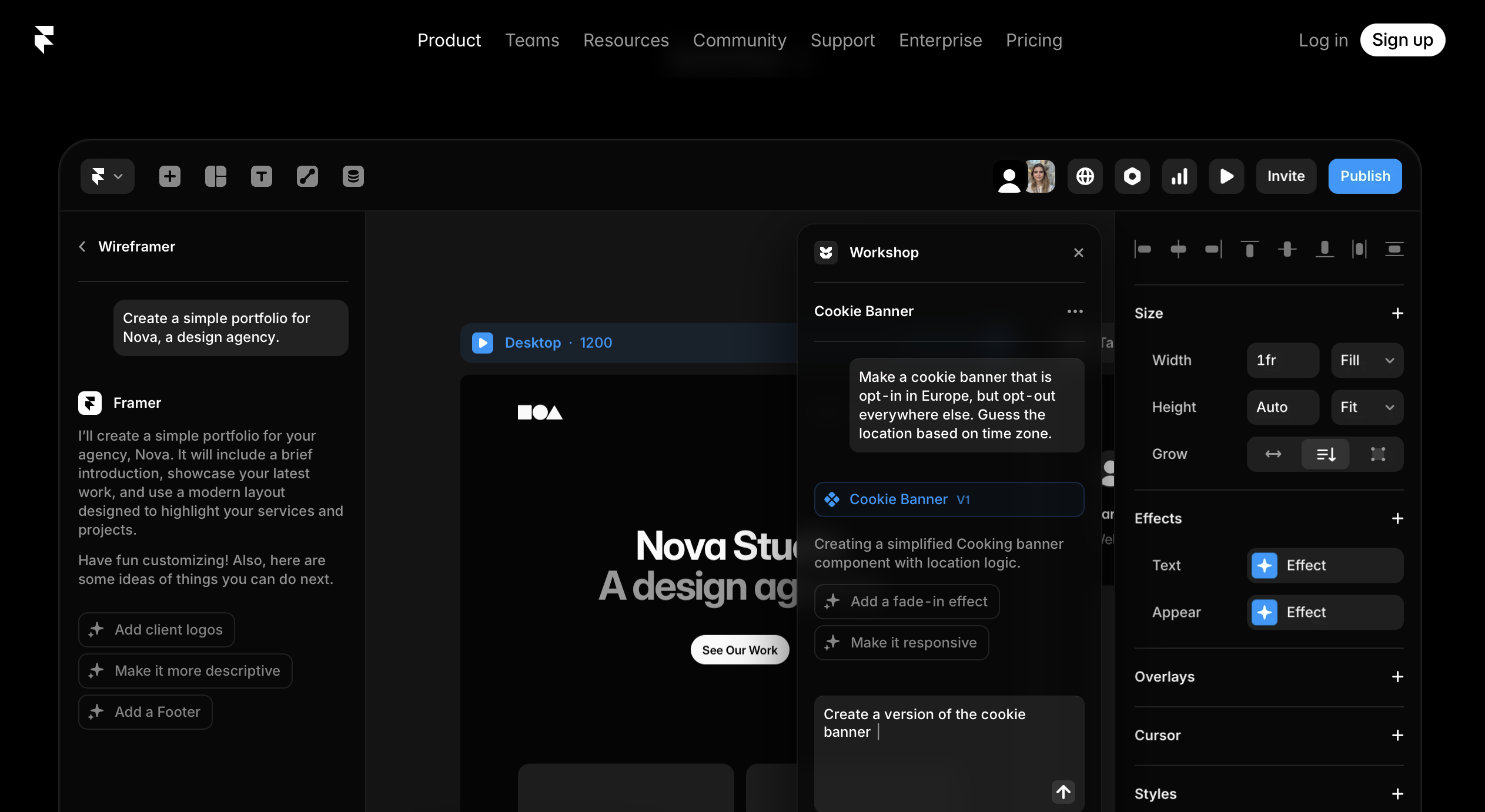
Framer AI allows users to generate complete website layouts using simple text prompts. It automatically creates responsive sections and basic copy, making it attractive for startups and quick landing page generation.
While Framer builds working websites, many businesses still prefer migrating the design into WordPress for scalability, SEO flexibility, and content management advantages.
Pricing:
$15/ month
Framer provides a free starter plan. Paid plans begin around $15 per month.
Pros:
Framer AI is extremely fast for generating modern landing pages. It offers clean UI layouts and built-in animations.
Cons:
Large content-driven WordPress websites require more flexibility than Framer currently provides. Migration to WordPress often requires expert development.
5. Uizard AI Design Tool
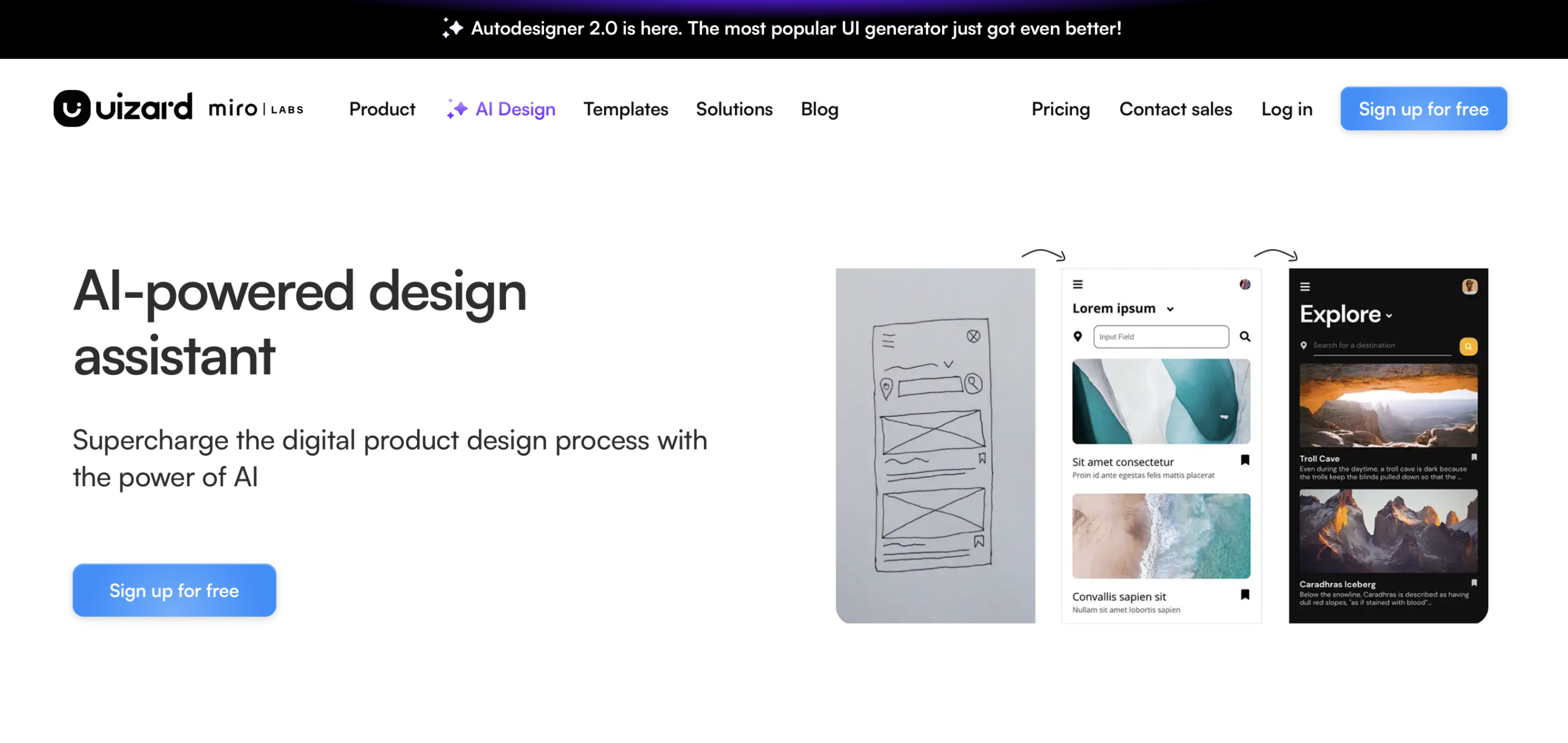
Uizard focuses on AI-powered wireframing and rapid prototyping. It is particularly useful for turning hand-drawn sketches into digital website mockups.
For WordPress developers building MVP websites, Uizard can speed up early-stage design validation before moving into full development.
Pricing:
$12 / month
Uizard offers a free starter plan. Paid plans begin at approximately $12 per month.
Pros:
It is ideal for quick wireframe creation and idea validation. The tool simplifies the early UI/UX process.
Cons:
Designs generated by Uizard are not production-ready and typically require refinement in Figma or similar tools before WordPress conversion.
Converting AI Designs into WordPress Websites
AI design tools generate concepts — but a high-performance WordPress website requires technical expertise.
To convert AI-generated layouts into WordPress, developers must ensure:
- Clean HTML5 and CSS3 structure
- Responsive design across devices
- SEO-friendly code architecture
- Optimized Core Web Vitals
- Accessibility compliance
- Secure WordPress setup
Designs can be converted into custom WordPress themes or built using popular page builders like Divi and Elementor. The right approach depends on the project complexity and scalability requirements.
How XHTMLTEAM Converts AI Designs into Powerful WordPress Websites
AI tools accelerate creativity — but professional WordPress development ensures performance, scalability, and SEO success.
XHTMLTEAM specializes in converting:
- Figma to WordPress
- AI-generated layouts to custom themes
- Framer to WordPress
- PSD to WordPress
- Design to Divi & Elementor
Our WordPress experts ensure:
- Pixel-perfect frontend development
- Clean, lightweight coding
- SEO-optimized structure
- WCAG accessibility compliance
- Cross-browser compatibility
- Fast-loading performance
Whether your design comes from Figma, Adobe, Canva, Framer, or any AI-powered tool, XHTMLTEAM transforms it into a fully functional, conversion-focused WordPress website.
Final Thoughts
The best AI design tools for WordPress sites help you work smarter, design faster, and deliver projects more efficiently. They are powerful assistants — but they are not replacements for skilled WordPress developers.
If you are using AI tools to design your website and need expert WordPress conversion, XHTMLTEAM is ready to bring your vision to life with precision, performance, and professionalism.
AI creates ideas.
Experts build results.